Offline-first · QR profile sharing
Share your profile without asking the internet's permission.
Offline profile sharing, made simple. Scan, preview, save — the way UPI made payments feel effortless, Linkly does the same for sharing who you are.
Free. No Play Store. No account. No catch.
Before you tap install
Installation
Linkly isn't on the Play Store, so Android will act suspicious the first time you install it. That's not this APK being sketchy — it's just what happens when you sideload anything on a newer Android version. Here's how to get past it.
-
01
Tap Download for Android above and open the APK once it's downloaded.
-
02
Android will likely block it with something like "For your security, your phone is not allowed to install unknown apps from this source." This is expected — Android 8 and up disables sideloading by default, per app.
-
03
Tap Settings on that prompt, then enable Allow from this source. If it doesn't take you there directly, go to Settings → Apps → Special access → Install unknown apps, pick the app you downloaded through (Chrome, Files, whatever it was), and flip the toggle on.
-
04
Go back and open the APK again. It'll install normally this time — you only have to do this once per app source, not every update.
This is a one-time permission for the app you used to open the APK, not a security hole. Nothing about it gives Linkly special access to your phone.
The pitch
About
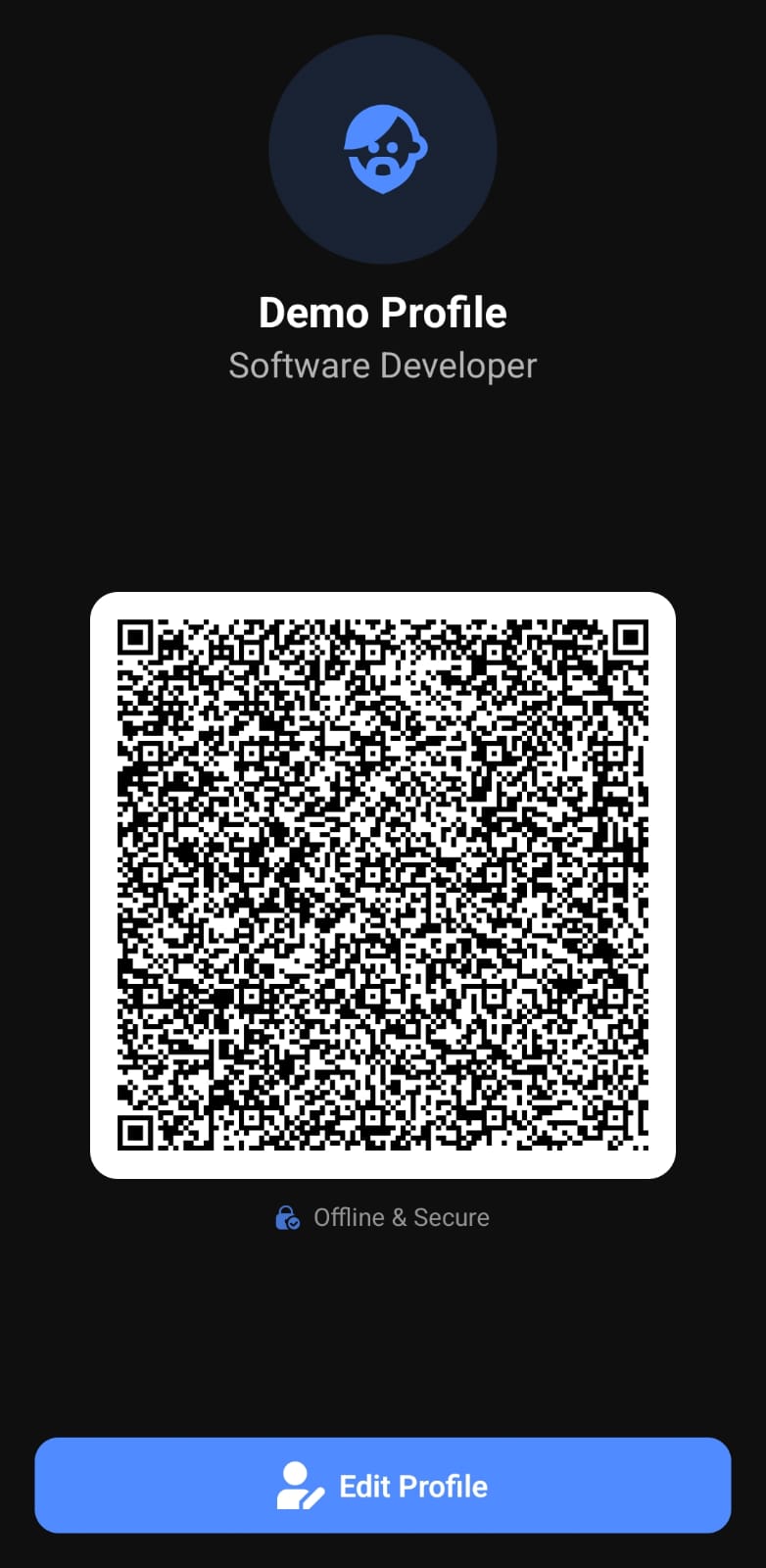
Linkly exists because I got tired of typing my number into someone's phone while the venue Wi-Fi thought about it. It's a small Android app that stores your profile locally, encrypts it, and turns it into a QR code on demand — no internet required, no account to forget the password to.
The idea came from watching UPI payments get this effortless — scan, confirm, done. If money can move that smoothly, sharing who you are shouldn't need more effort than that either.
It's not trying to replace LinkedIn, WhatsApp, or Instagram — it's a controlled bridge. Meeting an HR manager? Share just your email and portfolio. Running a stall at an event? Share Instagram and WhatsApp only. No oversharing, no "wait, which one should I send."
Built with React Native and Expo, state lives in Zustand, storage runs on MMKV — fast, encrypted, no async nonsense — styled with NativeWind, written in TypeScript because I'd rather be yelled at by the compiler than at runtime. No tracking, no background analytics, nothing leaves your device unless you choose to share it.
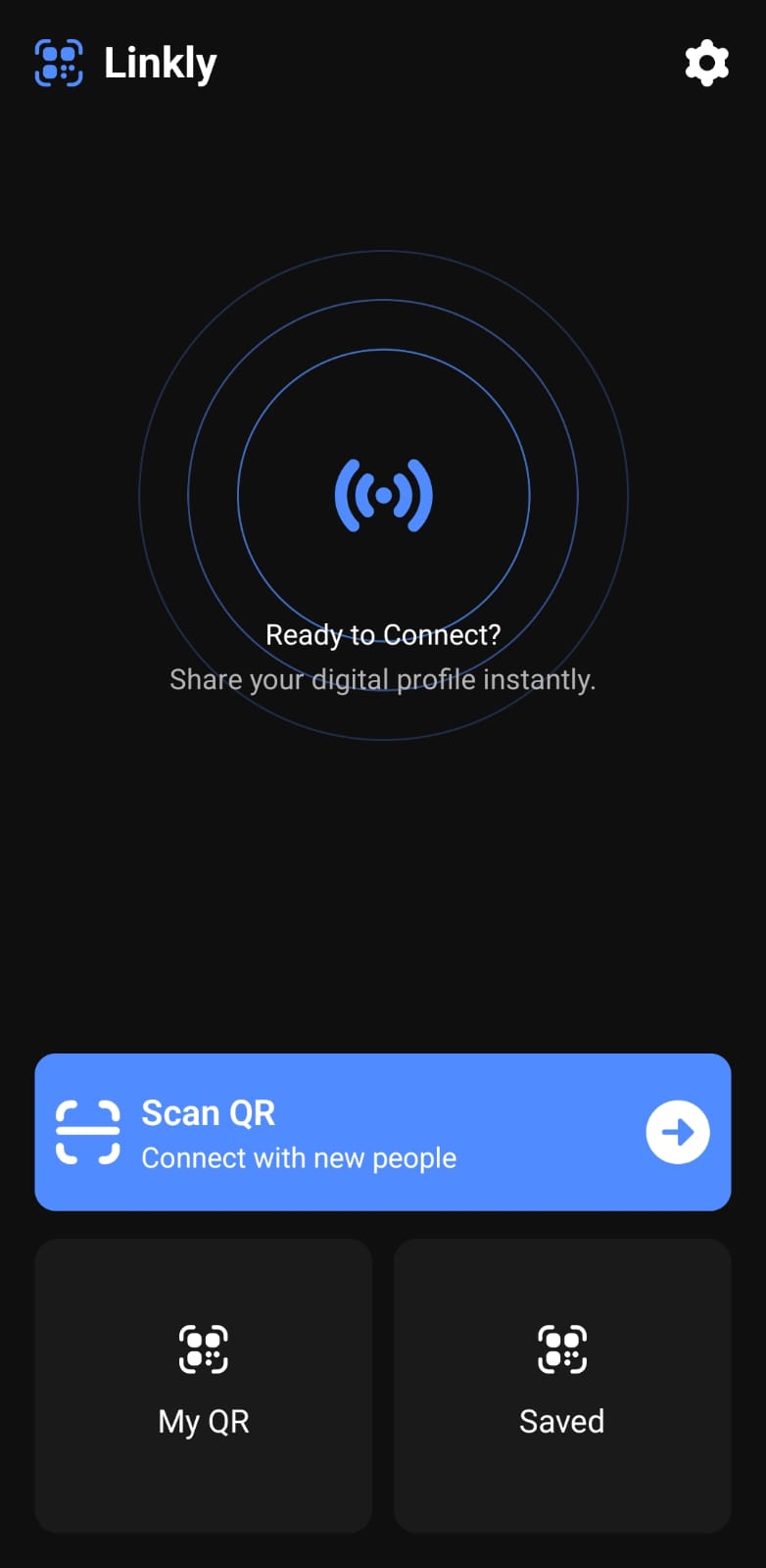
How it actually works
Technical documentation
Wrote the longer version of why this exists and how it's built — read it on Hashnode ↗.
Architecture
Screens are grouped by what the user is actually doing, not by what's convenient to nest — a separate flow for onboarding, creating a profile, and the home experience. State is split into two small stores instead of one bloated one: one just tracks whether an account exists yet, the other handles everything else. There's no backend for any of it. Everything lives in encrypted local storage, and if the encryption key ever fails to load, storage quietly falls back to an unencrypted instance instead of crashing the app.
How the QR code actually works
You choose which fields go in — phone, WhatsApp, email, up to five custom links — nothing is shared by default. That subset gets serialized, AES-encrypted, and prefixed with a version tag before it becomes a QR code. Scanning reverses the process — and if decryption with the current key fails, it quietly retries a couple of legacy keys before giving up, so an old QR someone generated months ago still scans clean today.
Updates, checked on purpose
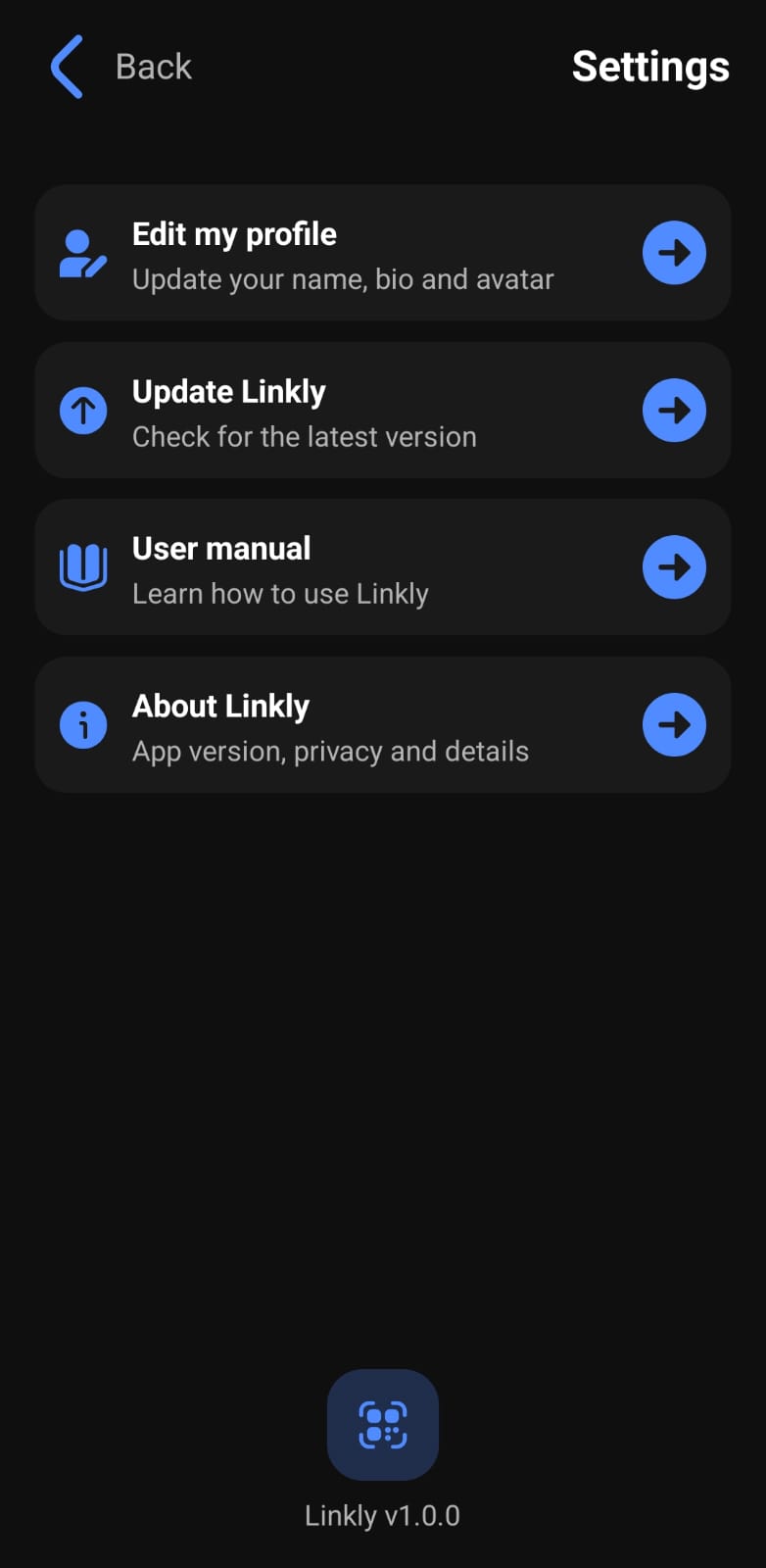
No Play Store listing means no silent background updates either. Linkly only checks when you tap "Check for updates" in Settings — it looks at your network state first, and tells you outright if you're offline instead of spinning forever. If you're online, it fetches a small JSON file hosted on this site, compares the version against the installed build, and hands you the APK from GitHub Releases if there's something newer.
Say something
Contact
This site doesn't have its own contact form — my portfolio does that job. Bug reports, feature requests, or general disbelief that this actually works offline: all welcome there, or on whichever social you trust me on.
Contact me on my portfolioOr find me here